
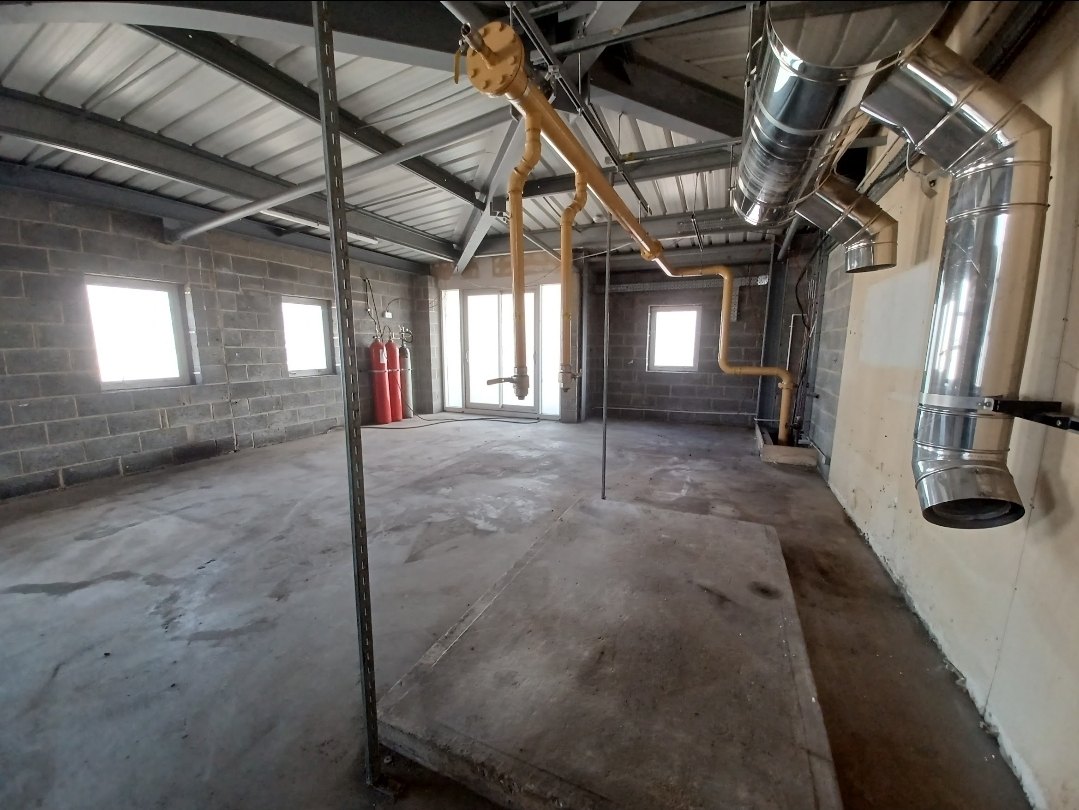
Pre-construction information, or PCI, helps designers and contractors understand the project and the health and safety information relevant to their work. For a commercial client, HSE identifies providing PCI to designers and contractors as a client duty. Gathering files is only part of the task: the information needs to be relevant, understandable and available to the people who need it.
HSE: commercial client responsibilities. Domestic client arrangements differ; check the relevant guidance for the project.
Start with the project and intended work
Record the location, scope, current design stage and proposed activities. Identify the people coordinating information and the intended recipients. For a project involving more than one contractor, involve the principal designer early enough to help identify information needs and gaps.
Organise the information into useful groups
- Project description, programme assumptions and management arrangements.
- Existing site and building information, relevant surveys and known constraints.
- Information about relevant health and safety risks, including design information.
- Interfaces with occupants, neighbours, services and other activities.
- Outstanding information requests, their owners and required dates.
This is an organising structure, not an exhaustive statutory checklist. The project determines what is needed. HSE’s CDM guidance L153, Appendix 2 explains PCI and the dutyholders’ contributions.
A worked example of a refurbishment information register
Fictional learning example. The entries illustrate information management and are not a survey or confirmation that a building is safe.
A commercial client plans to refurbish part of an occupied building. The design team receives an old drawing set, but the proposed work extends beyond the area covered by a supplied survey. The information coordinator records the limits instead of describing the pack as complete.
| Item | What is known | Gap and action |
|---|---|---|
| Existing drawings | Drawings supplied with an earlier revision date. | Confirm applicability to the current scope. Owner: information coordinator. |
| Survey coverage | Supplied report covers only part of the intended work area. | Seek suitable information for the remaining area. Owner: client representative, coordinating with the principal designer. |
| Occupied areas | Part of the building will remain in use. | Confirm constraints and interfaces with the occupier. Owner: client representative. |
Make a gap visible and actionable
A useful entry includes a document reference, source, date, scope limitation, action owner and required date. Mark the item unresolved until the information is checked. “Report received” and “report covers the proposed work” are different conclusions.
Share and maintain the record
Share relevant information at the appropriate stage with the people bidding for or carrying out the work. Keep revisions identifiable. Add new information as design develops and explain material changes to recipients. Record questions and their answers so that a file upload does not become the only evidence of communication.
PCI and the construction phase plan
PCI informs planning. The construction phase plan describes the arrangements for managing the construction phase. They serve different purposes; a PCI folder should not be presented as the construction phase plan. Check the duties and timing for the specific project.
Using CDMlogic
CDMlogic is available for pilot conversations and supports organising project information, dutyholder details and evidence. It does not assume dutyholder responsibilities or guarantee compliance.
See the wider CDM project record guide, download the blank document register or request a walkthrough.